01
Cut
Predictable equal-length clips.
Choose how many clips you want and how long each should be. Ideal for recurring series, podcast excerpts, and scheduled posts.
- Choose the clip count
- Set the duration
- Export them together

Start with one longer recording, or add several scenes to one project. ReelClip helps you choose the moments, then lines them up for export, ready for CapCut, Shorts, or any editor.
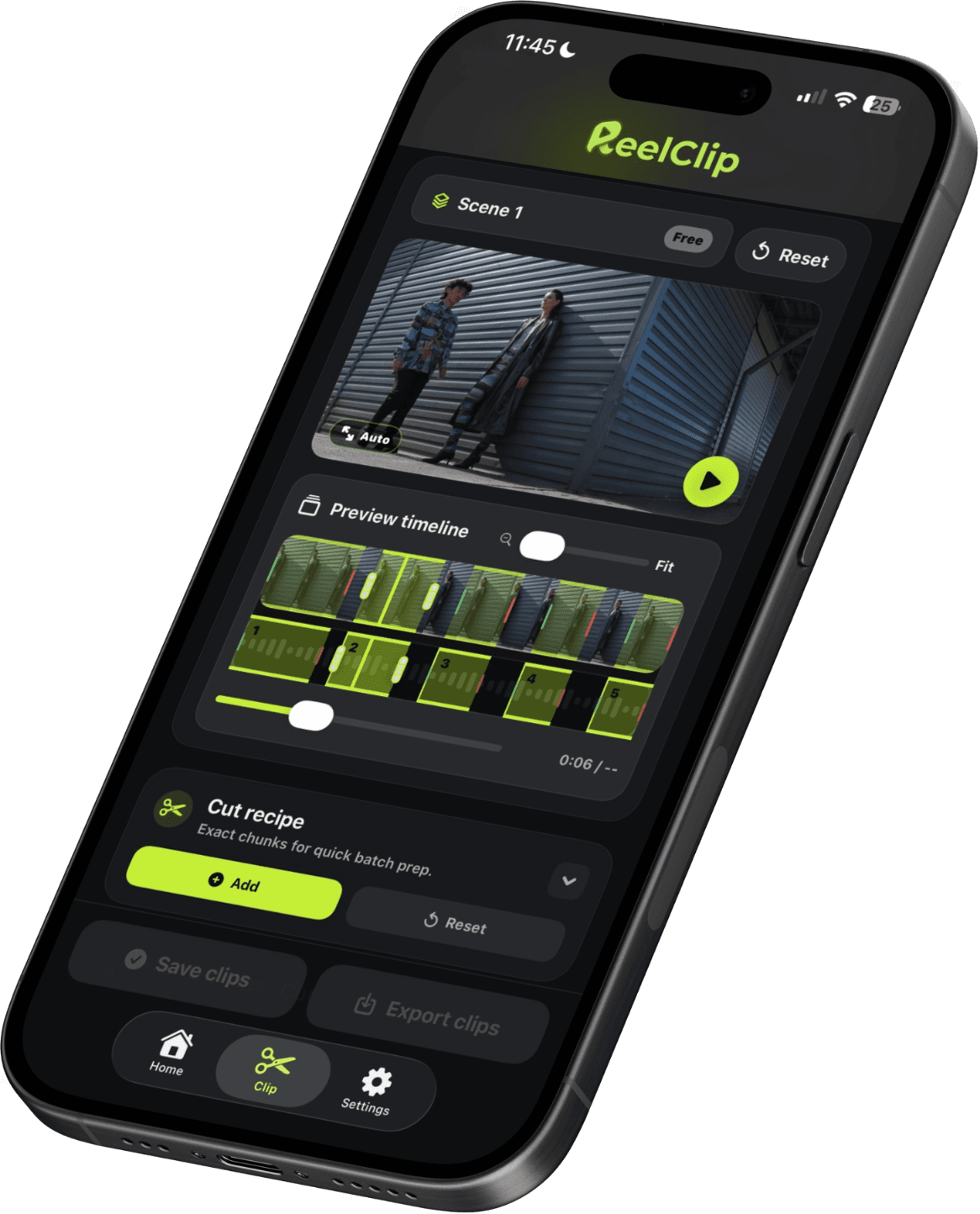
Add separate videos as scenes, move between them without losing your place, and choose the cut mode that gets each part of the shoot ready fastest.
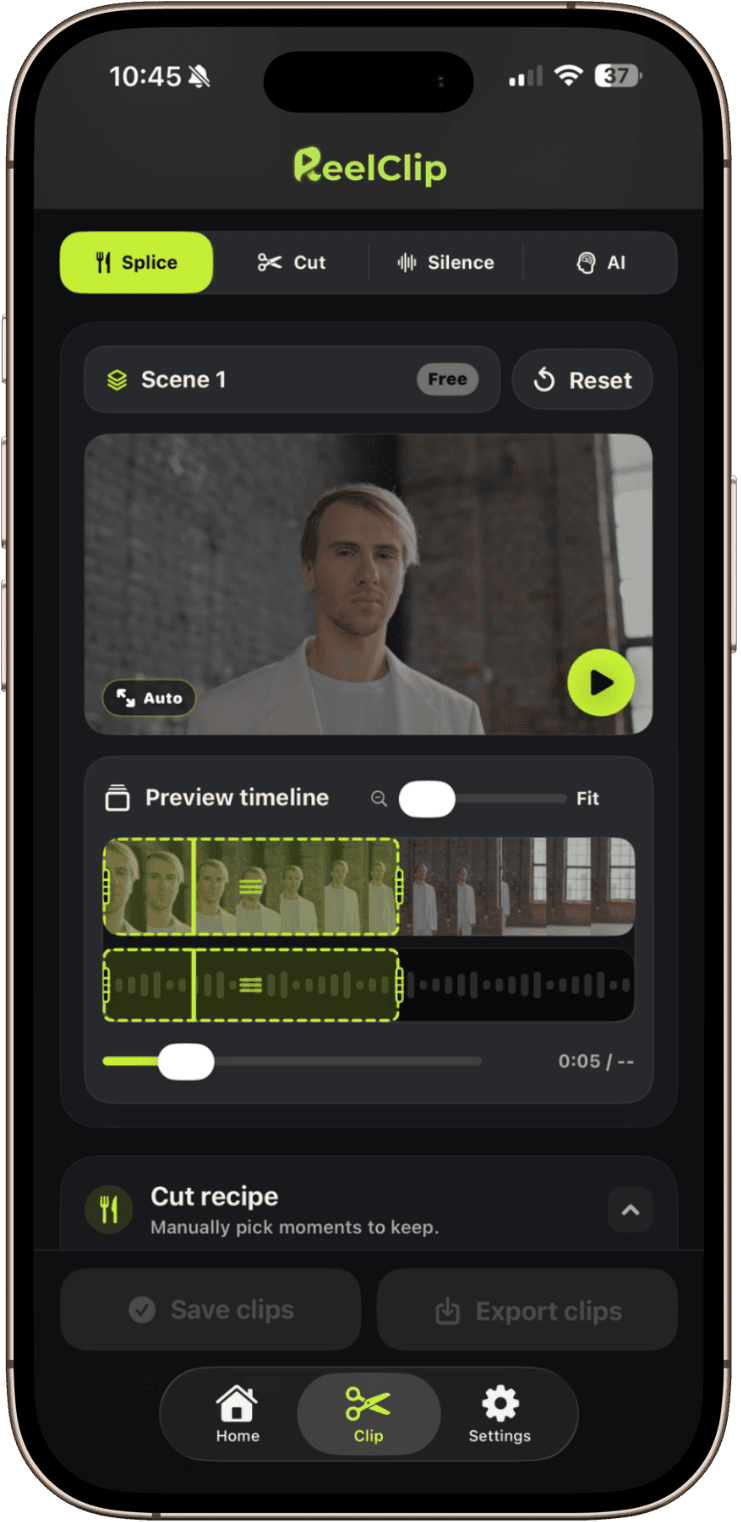
Predictable equal-length clips.
Choose how many clips you want and how long each should be. Ideal for recurring series, podcast excerpts, and scheduled posts.
Cuts that land on natural pauses.
Finds natural pauses in speech so cuts feel cleaner. If there are no clear pauses, ReelClip keeps the timing consistent.
Find the moments that stand out.
ReelClip reads movement, faces, sharpness, and audio to find the strongest moments, all on your iPhone.
Describe what you want. Get a clip plan.
Ask for the funniest moments, the product demo, or the strongest quotes. Apple Intelligence reads the transcript on your iPhone and suggests clips. Nothing is uploaded and you don't need an account.
ReelClip shows every suggested clip before saving anything to Photos. Review the moment, adjust the trim, and export only what you want.
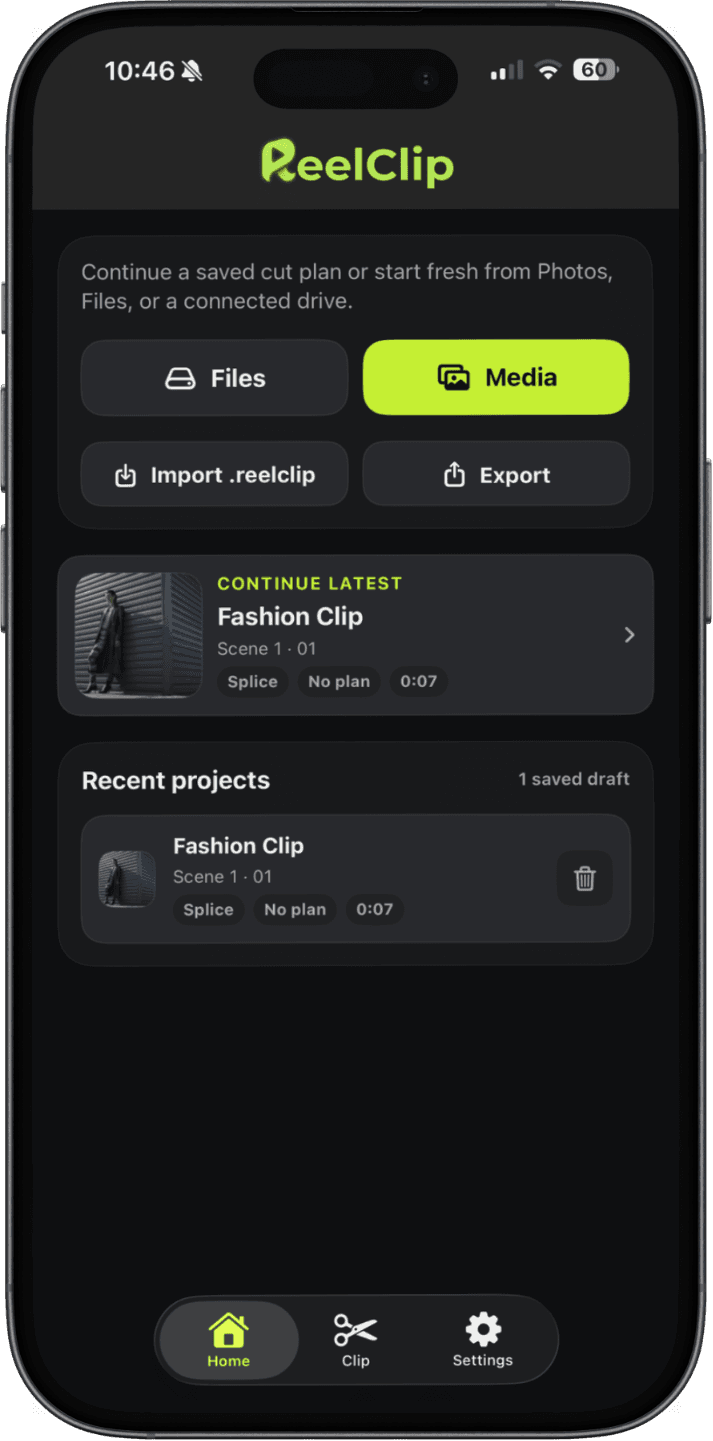
ReelClip uses Apple Intelligence to help you find moments worth keeping. It runs entirely on your iPhone. Your video never leaves your device.
The list above describes what Apple's on-device model can handle today. When Apple improves it, ReelClip picks up the improvement.
Apple Intelligence requires iOS 26 and a supported device. It can be turned off at any time in Settings. When unavailable, ReelClip falls back to on-device audio and visual analysis without any AI features.

Find the moments worth sharing.

Pull out the plays worth replaying.

The moments worth keeping, lined up and ready.

Turn travel days into clips ready for your feed.
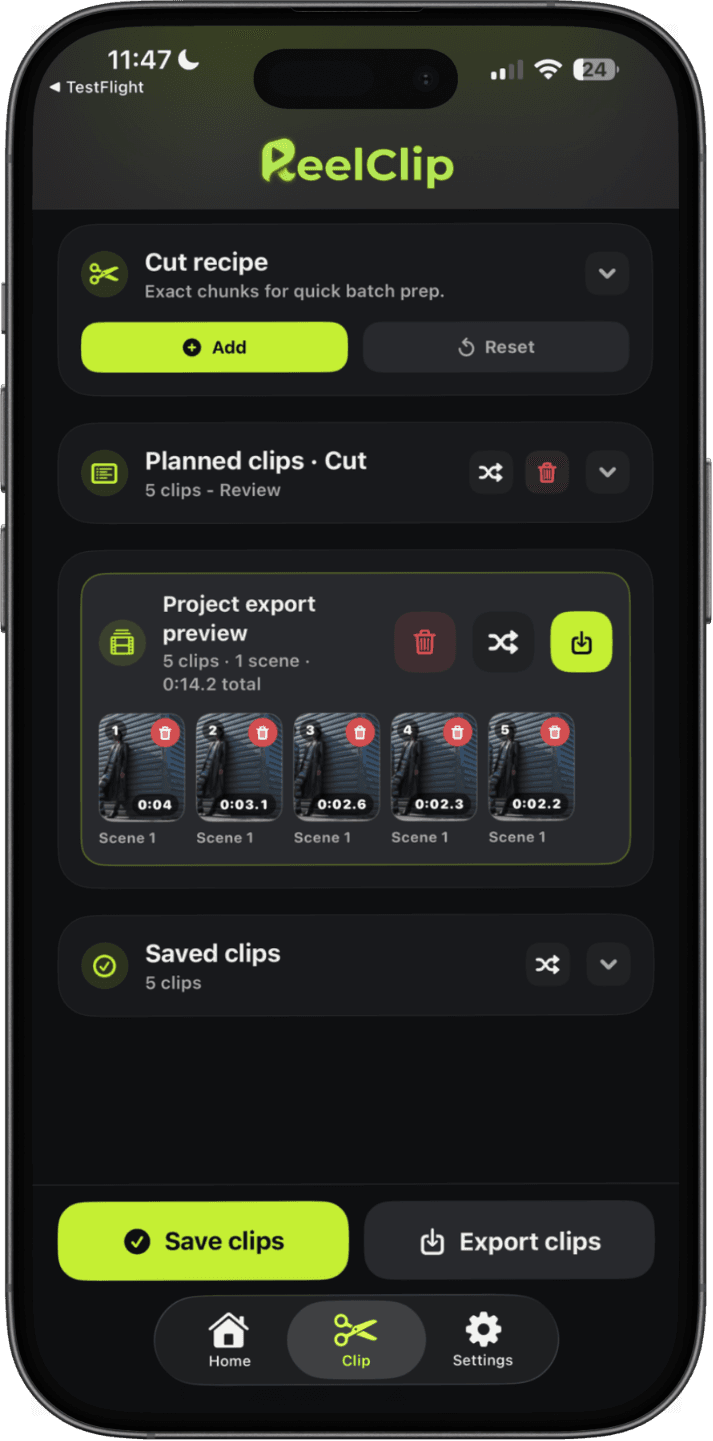
Your chosen clips from every scene sit together in one list. Check what you're keeping, then send the whole set to Photos and build the final post with the tools you already use.

Bring prepared clips into CapCut and drop them into templates, captions, sound, and effects.

Use smaller source clips in Edits to build Reels with filters, music, and finishing touches.

Use your exported clips as source footage when you create and publish YouTube Shorts.

ReelClip is available on the App Store for iPhone running iOS 26 or later.
Download on the App Store